The technical side, taken care of

SDH Server Management

Your environment.
A clearer way to care for it.

Bring your servers, cloud and applications together under a clear management plan. Explore administration, security, migrations, monitoring and specialist support, shaped around the work your team needs.

Server equipment, a laptop and maintenance tools.
Management starts with your environment
Servers
& cloud
Security
& recovery
Websites
& applications

A place for every technical responsibility

Find the right technical support.

Compare 48 management packages by service. Review the technical topics, choose a package to order, or discuss a custom scope with SDH.

12 service areas44 service topics to explore

4 services

Operating systems

Care for your operating system and the services your workloads rely on.

4 services

Hosting control panels

Give hosting administration a clear owner, scope and routine for upkeep.

5 services

Cloud platforms

Bring structure to cloud infrastructure, resource use and daily operations.

4 services

Virtualization

Connect host administration, virtual machines and routine platform care.

4 services

DevOps & automation

Make infrastructure and release workflows easier to review, run and repeat.

5 services

Security & compliance

Review technical risks, then agree the security work and reporting needed.

3 services

Website & application care

Care for your website, its applications and the hosting environment behind it.

1 service

Migration & recovery

Plan migrations, validation checks and recovery steps before making changes.

2 services

Monitoring & maintenance

Bring operational checks, maintenance and reporting into an agreed routine.

7 services

Specialist expertise

Define your technical challenge and discuss the specialist work it needs.

3 services

Technical team support

Shape technical support around your team, its workload and responsibilities.

2 services

Urgent technical help

Explain the affected services so SDH can assess the next action and scope.

Start with the work you need. Your proposal confirms suitability, covered systems, responsibilities, access, hours and pricing before work begins.

Flexible ways to work

The right support.
The right arrangement.

Some teams need regular technical care. Others need one problem solved or extra expertise for a project. Start with the arrangement that fits your work.

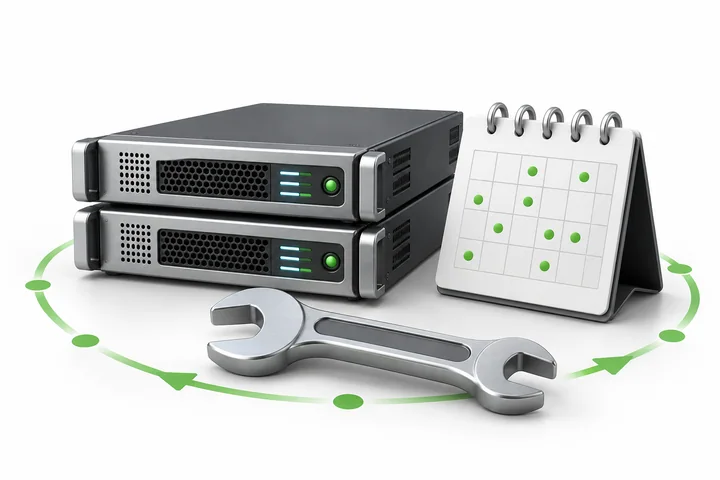
Server equipment with maintenance tools and a calendar representing ongoing care.

Keep things running

Ongoing management

Put recurring maintenance, updates, monitoring and technical review into a documented routine.

  • Named servers and applications
  • An agreed schedule and task list
  • Reporting and escalation arrangements
Plan Ongoing Care
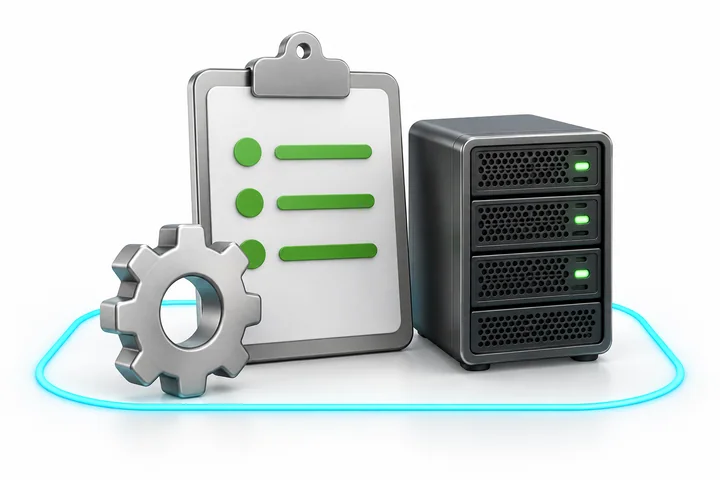
Two server units linked by a green path beside a project clipboard.

Make the next move

A focused project

Bring a migration, deployment, performance issue or security review with a clear outcome in mind.

  • Discovery and a defined work plan
  • Approved changes and validation
  • Handover and next steps
Discuss a Project
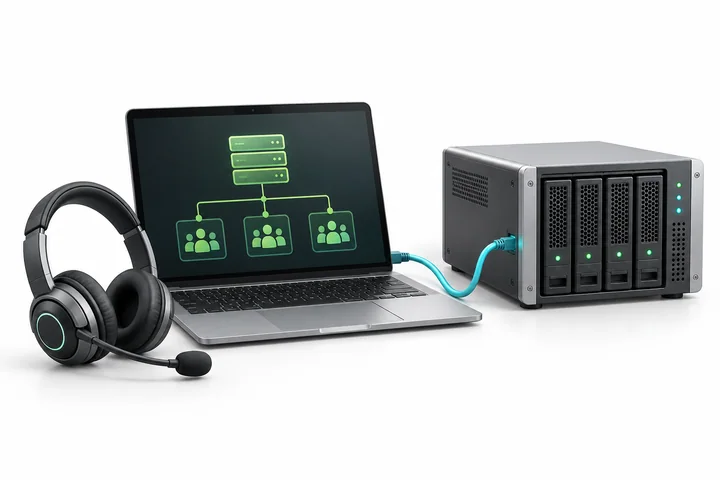
A laptop, technical headset and connected server representing specialist support.

Extend your team

Specialist support

Discuss an engineering role, white label support or additional technical capacity for your team.

  • A role shaped around your workload
  • Agreed channels and working hours
  • Clear access and reporting boundaries
Explore Team Support

From first conversation to ongoing care

A practical path to getting started.

You bring the context. Together, we turn it into an agreed plan.

  1. A laptop and server with conversation bubbles representing sharing an environment.
    01

    Tell us what you run

    Share your platforms, current challenges and the work you want to hand over.

  2. A project clipboard, gear and server representing a defined work plan.
    02

    Define the work

    Review compatibility, responsibilities, access, service hours and the proposed cost.

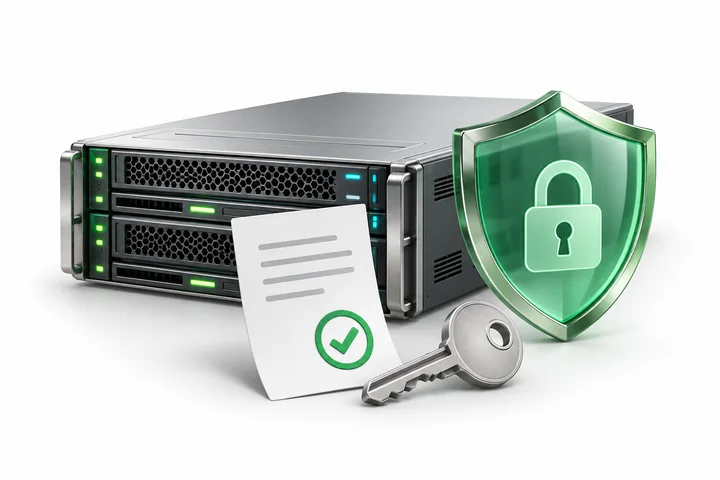
  3. A protected server, approval document and key representing secure onboarding.
    03

    Approve and onboard

    Agree the plan and secure access process before SDH starts the accepted work.

  4. A technical report, review magnifier and server representing ongoing improvement.
    04

    Review and improve

    Use the agreed reports, change records and reviews to decide what needs attention next.

Clear before we begin

A service scope you can point to.

Know which systems are covered, which tasks are included and who approves the next change. Your proposal brings those decisions together.

What your proposal should cover

Service availability, compatibility and cost are confirmed during review.

Environments covered
SDH assesses compatibility before starting work. The proposal names each server or website covered by the service. If the environment is unsupported, SDH refunds the payment.
Included work
The accepted task list defines maintenance, monitoring, updates and incident work. SDH provides reports covering issues, updates and completed tasks. You review the work and confirm completion. SDH handles customer communication, prepares and approves quotations, coordinates escalation, and provides a handover when management ends. You approve changes to your environment before SDH proceeds.
Agreed management coverage
Your selected package and accepted proposal define the covered systems, tasks, staffing, hours and escalation responsibilities. Additional time or wider coverage requires your approval and is invoiced separately; a checkout approval or spending limit does not increase the purchased scope.
Response and emergency coverage
SDH support is available 24/7, with an initial response within 1 hour. Emergencies receive immediate attention. Resolution time depends on the issue's complexity. SDH handles customer communication and escalation.
Access, monitoring and other service terms
Exclusions
Application development, redesigns, licences, infrastructure and projects outside the agreed scope are separate unless expressly included.
Monitoring and corrective action
The selected package and accepted scope identify the checks, schedule, escalation contacts and any investigation or corrective work. SDH obtains your permission before making changes.
Access and change approval
SDH obtains your permission before making any changes. Share administrative access only through the agreed secure process, and identify the person who can approve work. Keep credentials out of the initial inquiry. Revoke access or rotate passwords and keys when the work ends or access is no longer needed.
Additional time and coverage
SDH agrees additional work and charges with you before proceeding. Each hourly checkout covers one approved hour; additional approved time is invoiced separately.
Refunds and handover
SDH assesses your environment before starting work. If the environment is unsupported, SDH refunds the payment. SDH Server Management also includes a 30 day, no questions asked refund policy. When management ends, SDH provides a handover of the completed work and relevant information.

Need infrastructure as well?

Compare existing SDH server options, then discuss any management work you need alongside them.

Platforms and tools

Care across your technical stack.

Connect cloud resources, containers, databases and applications with the administration, security and automation your environment needs.

  • AWSAWS
  • Microsoft AzureMicrosoft Azure
  • Google CloudGoogle Cloud
  • KubernetesKubernetes
  • OVHcloudOVHcloud
  • RedisRedis

A few useful answers

Understand the service before you start.

Have a different setup or a more specific question? Tell us about it and we will help you find the next step.

Prism Wings Dot holding a checklist.
Start with the essentials.

Tell us what you run and what you need help with. Share credentials only through the agreed secure process.

Ask SDH a Question
Can you manage a server hosted somewhere else?

You can bring an existing server or cloud environment for review. Share the platform, operating system, applications and the work you want covered. SDH checks compatibility, access requirements and service availability before proposing a scope.

How is this different from SDH Managed Servers?

SDH Managed Servers combine dedicated hardware and a defined managed Linux package at a listed monthly price. SDH Server Management is a separately scoped service for an existing or custom environment. Hardware, cloud usage and licences are separate unless your proposal includes them. Compare SDH Managed Servers.

Can I request a single migration, repair or security review?

Yes. Describe the outcome, affected systems and any deadline. SDH reviews the request and proposes the work, price and approval steps. For a migration, we agree the transfer plan, validation checks and recovery approach before making changes.

What is included in ongoing management?

Your proposal names the covered environments, maintenance tasks, monitoring checks and responsibilities. Your selected package and accepted proposal define the covered systems, tasks, staffing, hours and escalation responsibilities. Additional time or wider coverage requires your approval and is invoiced separately; a checkout approval or spending limit does not increase the purchased scope. SDH provides reports covering issues, updates and completed tasks. You review the work and confirm completion. SDH handles customer communication, prepares and approves quotations, coordinates escalation, and provides a handover when management ends. You approve changes to your environment before SDH proceeds.

How does emergency assistance work?

SDH support is available 24/7, with an initial response within 1 hour. Emergencies receive immediate attention. Resolution time depends on the issue's complexity. SDH handles customer communication and escalation.

Are software, backups and compliance certification included?

Software licences, infrastructure, backup storage and specialist projects are itemized in your proposal where applicable. Backup work needs agreed retention and recovery objectives. Compliance and audit support can cover technical assessment and preparation; it does not certify compliance or guarantee an audit result.

Can an agency request technical support under its own brand?

Ask about white label support, staff augmentation or outstaffing for a defined role or workload. We review the support channels, schedule, escalation path, access permissions and reporting arrangement before confirming a proposal.

What should I send with my inquiry?

Tell us which platforms you use, how many environments need attention, what is happening and what you want to improve. Include your preferred schedule and a contact who can approve changes. Share credentials only through the secure process agreed with SDH.

What are the refund and handover terms?

SDH assesses your environment before starting work. If the environment is unsupported, SDH refunds the payment. SDH Server Management also includes a 30 day, no questions asked refund policy. When management ends, SDH provides a handover of the completed work and relevant information.

Who approves changes and controls access?

SDH obtains your permission before making any changes. Share administrative access only through the agreed secure process, and identify the person who can approve work. Keep credentials out of the initial inquiry. Revoke access or rotate passwords and keys when the work ends or access is no longer needed.

How are work and completion reported?

SDH provides reports covering issues, updates and completed tasks. You review the work and confirm completion. SDH handles customer communication, prepares and approves quotations, coordinates escalation, and provides a handover when management ends. You approve changes to your environment before SDH proceeds.

How do ordering and payment work?

The package cards show the USD price, billing arrangement and covered scope. Order Now opens checkout for the selected package. There is no additional onboarding fee; any setup fee explicitly listed still applies. SDH assesses compatibility and confirms the covered environment and service arrangements before work starts. Credentials are collected through secure onboarding after purchase. Extra time or coverage requires approval and separate invoicing.

Your next step

Bring us the technical to do list.

One server, a cloud environment or a whole portfolio. Let’s talk about what you need managed.

Discuss Your Environment