
example.com
One name for the main website.

Domain validation (DV)
Bring three eligible domain or subdomain names into one domain-validated certificate. This is a practical fit for a defined group of websites or services that share a certificate lifecycle without needing verified business details.
Know the names you are securing
SDH Multi-Domain SSL uses Subject Alternative Names (SANs) to cover three eligible domain or subdomain names. Each requested name needs to be listed and validated.
One name for the main website.

A second, different domain.

A third name for a specific subdomain or service.
Three names are included. A www alias or another subdomain may consume a SAN according to the product rules. Extra SANs need a separate quotation; no unverified maximum or wildcard coverage is promised.
Match the requirement
Start with the addresses you need to protect and the identity checks your organization requires.

A small set of domains operated together, with someone responsible for validation and replacement across every endpoint.

A website, a portal and another eligible hostname that need one certificate with explicit name coverage.
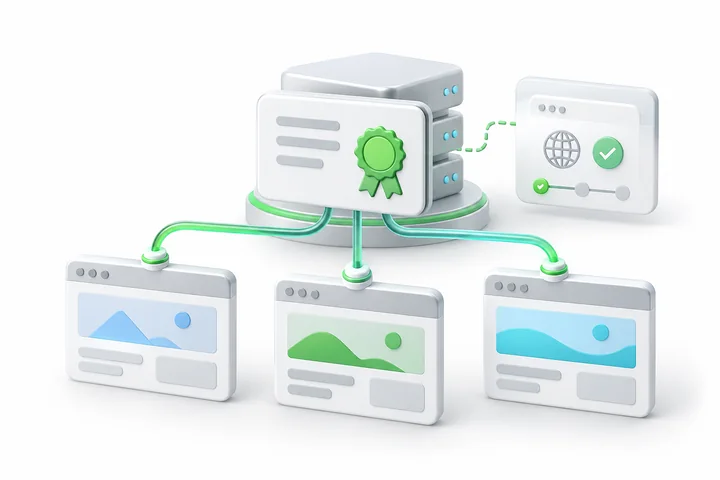
An environment where domain-control verification is sufficient and organization identity does not need to appear in the certificate.
HTTPS encrypts data in transit between supported clients and a correctly configured server. It does not guarantee that a website is malware-free or replace secure application and server administration.
Before you begin
Make a complete list of the three names, including any www aliases you need. Confirm that the servers can use the same certificate and that you can complete validation for every requested name.

A CSR is request data, not a private key. Keep private keys, passwords, payment-card details and identity documents out of ordinary website enquiry forms.
A manual process, with clear responsibilities
SDH coordinates your certificate order. The CA performs validation and issuance; your administrator handles installation.
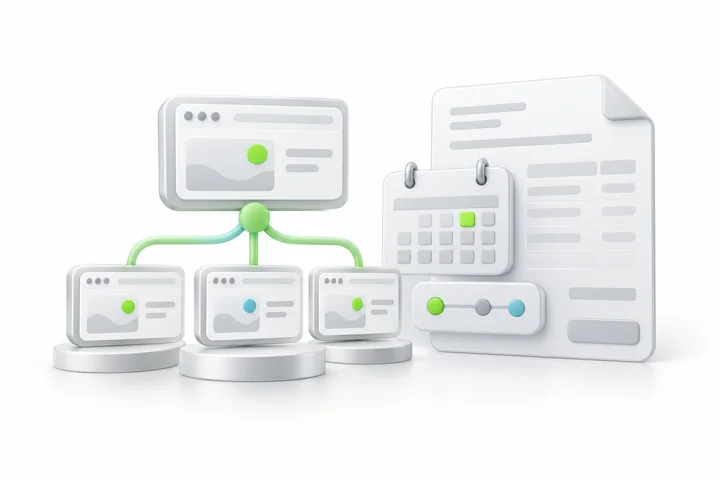
Select the prepaid period for SDH Multi-Domain SSL. Review the full upfront total and confirm the names and validation requirements with SDH before proceeding.
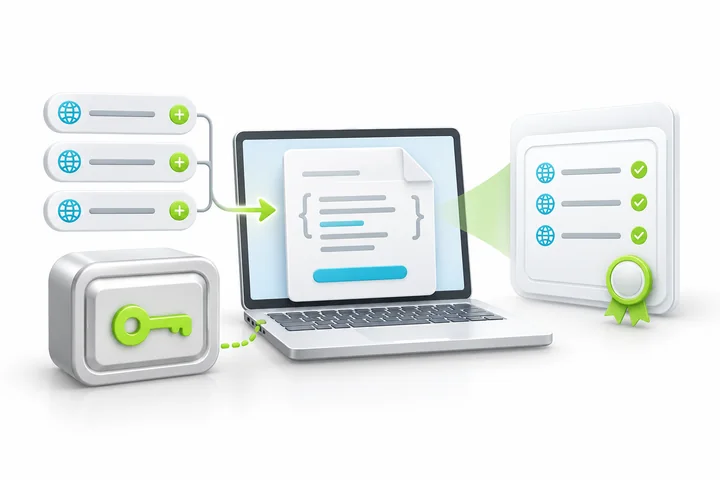
Supply the CSR and a precise list of all three requested names. Ask SDH to check SAN use before assuming an alias is free or adding an extra name.

Each included name must pass the issuer's domain-control checks. A missing DNS or email approval for one name can hold up the combined certificate, so prepare all names before submission.
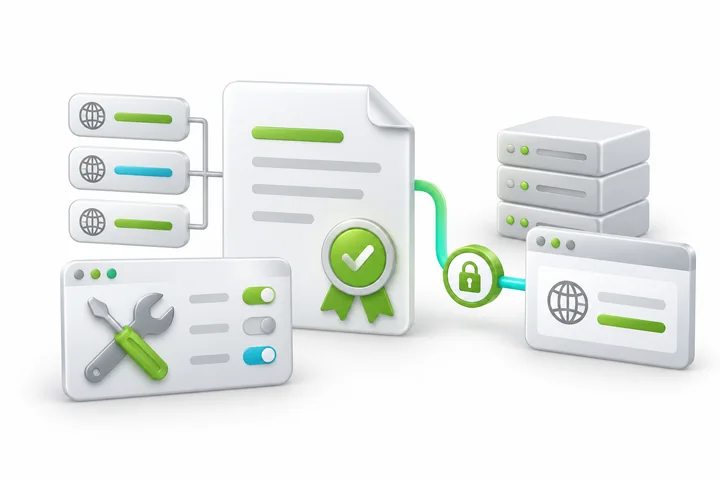
Your administrator installs the issued certificate and chain, configures HTTPS and checks the secured names. Later reissuance can require this step again.
Your selected 1 year prepaid period is paid in full upfront. It does not produce one certificate valid for an unrestricted period. CA and browser rules determine individual certificate validity. Later reissuance, validation and installation may be required within the prepaid subscription.
Understand the purchase
Choose the right certificate coverage and agree any additional technical assistance separately.

Browser and device trust depends on valid issuance, supported clients and correct server configuration. A site seal is available only where the issuer supplies and licenses one for the product.

Changing the named set can require a reissue and new validation. Coordinate the replacement across all servers using this certificate; extra-name charges and any assistance are agreed separately.
Renewal is arranged manually; pricing will be confirmed before renewal. Reissuance is subject to the issuer's rules and does not include SDH installation labor or promise that every name change is free.
Frequently asked questions

List all three names before ordering. A www alias or subdomain can use a SAN; ask SDH about any extra names.
Do not assume six names are included. A www alias can use a SAN depending on the certificate's rules. Send the exact hostname list so SDH can confirm coverage before issuance.
Ask SDH for an extra-SAN quotation. Additional-name pricing and the permitted maximum must be checked for this specific product before the request is accepted.
No. You must be able to satisfy the issuer's domain-control requirements for every requested name. Organization verification is not included with this DV product.
No. The certificate purchase does not include installation, server repair, mixed-content fixes or continuous certificate management. Your hosting administrator installs and verifies the certificate; ask SDH about separately agreed assistance if needed.
No. The prepaid term is the purchased subscription period. Individual certificate validity is subject to CA and browser requirements, so you may need reissuance, validation and replacement installation during that period.
Renewal is arranged manually; pricing will be confirmed before renewal. New validation and issuance steps may be needed. The current prepaid price is not a promise of future renewal pricing or automatic renewal.
Compare the alternatives
Use a simpler DV option when only one main domain is needed.
Explore this certificate
Keep multiple-name coverage and add organization verification.
Explore this certificate
Choose wildcard coverage when the requirement is first-level subdomains of one base domain.
Explore this certificateTell SDH what you need to secure. Include public hostnames and a short overview of the requirement.