
example.com
A possible main business domain in the proposed SAN list.

Organization validation (OV)
Combine organization validation with a named set of eligible domains or subdomains. This option suits a business that needs verified organization information across several specifically identified services.
Know the names you are securing
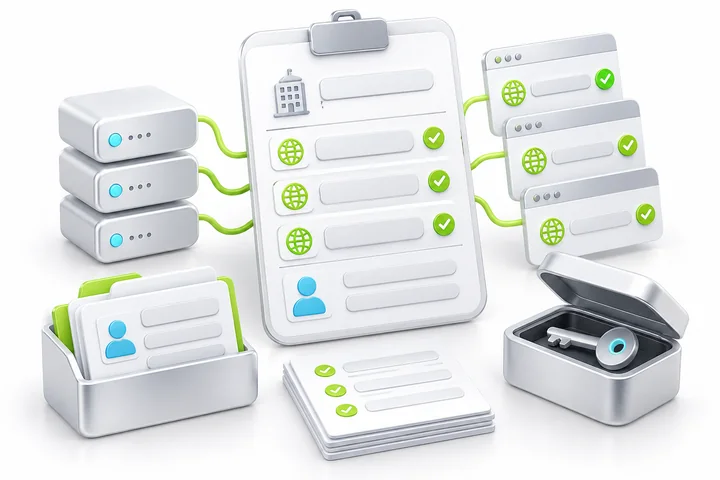
The SAN list sets the names to secure, while OV adds organization identity checks. These examples show possible naming arrangements, not a promised included allowance.
A possible main business domain in the proposed SAN list.

Another domain whose eligibility and control need checking.

A service hostname to include explicitly when it needs protection.
OV does not include every domain the organization owns. Confirm the SAN allowance, aliases and exact names before purchase; additional SANs require a quotation.
Match the requirement
Start with the addresses you need to protect and the identity checks your organization requires.

An organization that needs OV for a defined set of eligible websites.

Explicit public or application hostnames where organization verification is required.

A team able to manage validation and replacement across every covered service.
HTTPS encrypts data in transit between supported clients and a correctly configured server. It does not guarantee that a website is malware-free or replace secure application and server administration.
Before you begin
Prepare all required names, the organization name and a verification contact. Check domain access and deployment compatibility for every endpoint.
A CSR is request data, not a private key. Keep private keys, passwords, payment-card details and identity documents out of ordinary website enquiry forms.
A manual process, with clear responsibilities
SDH coordinates your order and request, the certificate authority validates and issues, and your administrator arranges deployment.

Select a one-, two- or three-year billing term for SDH OV Multi-Domain SSL. Review the full upfront total, same-cycle renewal amount and required names before proceeding.

Review the chosen certificate, billing term and full-term total at checkout before paying. SDH manually coordinates the request and confirms any additional assistance separately.

Provide a CSR and the proposed SAN list through the agreed process. Resolve alias counting and any additional-name quotation before submission. The issuer verifies the organization and requires domain-control evidence for the requested names. Missing information can delay the complete request.

Receive the issued certificate and applicable chain from SDH. Your administrator installs them, configures HTTPS and checks the names. Agree any SDH deployment assistance separately.
Your selected 1-year term is paid in full upfront and renews on the same cycle. It does not produce one certificate valid for an unrestricted period. CA and browser rules determine individual certificate validity. Reissuance, validation and replacement installation may be required within a billing term.
Understand the purchase
Choose the right certificate coverage and agree any additional technical assistance separately.

SDH coordinates fulfillment and applicable validation guidance. Browser and device trust depends on valid issuance, supported clients and correct server configuration.

A changed SAN list or server key may require a new request and validation. Plan replacement across all affected services and confirm any additional charges first.
Renews at USD $95.99 every year. Your service keeps its recorded recurring amount; later catalog updates do not change it automatically. Reissuance follows the issuer's rules, with deployment assistance and name changes agreed separately.
Frequently asked questions

Prepare the organization details and all three names. Each requested name needs domain-control validation.
No. Organization identity and hostname coverage are separate. Only the names agreed for the certificate request are covered.
They can, depending on the selected product's rules. Send a complete list so the final order includes the aliases you actually need.
A wildcard can fit eligible subdomains beneath one domain. Multi-domain coverage suits an explicit set of names, potentially across different domains.
No. The certificate purchase does not include installation, server repair, mixed-content fixes or continuous certificate management. Your hosting administrator installs and verifies the certificate; ask SDH about separately agreed assistance if needed.
No. Choose one, two or three years and pay that billing term in full upfront. Individual certificate validity follows CA and browser rules, so reissuance, validation and replacement installation may be needed within the selected term.
Renews at USD $95.99 every year. Your selected 1-year billing cycle repeats. Renewal invoices may appear before the due date under SDH's 15-day invoice window; check the dates shown for your service.
That depends on your existing payment arrangement. A recurring billing cycle does not guarantee an automatic charge.
No. Existing services have their own recorded recurring amounts. A later catalog price change does not automatically update your service's renewal amount.
A certificate signing request (CSR) identifies the requested certificate and its public key. Your administrator generates it and retains the corresponding private key. Never send private keys or passwords in an inquiry.
Delivery depends on the selected certificate, complete information, domain-control checks and any organization validation. SDH manually coordinates fulfillment and advises on progress; no fixed issuance deadline is promised.
Ask SDH to review the new hosting, names and key requirements. A reissue and fresh validation may be required under the issuer's rules. Replacement installation and additional technical work are agreed separately.
Compare the alternatives

Consider OV for a single-domain requirement.
Explore this certificate
Consider extended validation for an explicit name list.
Explore this certificate
Consider an OV wildcard for eligible subdomains.
Explore this certificateTell SDH what you need to secure. Include public hostnames and a short overview of the requirement.